Thursday, January 15, 2026

Wanna Build a Snowman

 Happy Thursday AI Friends!

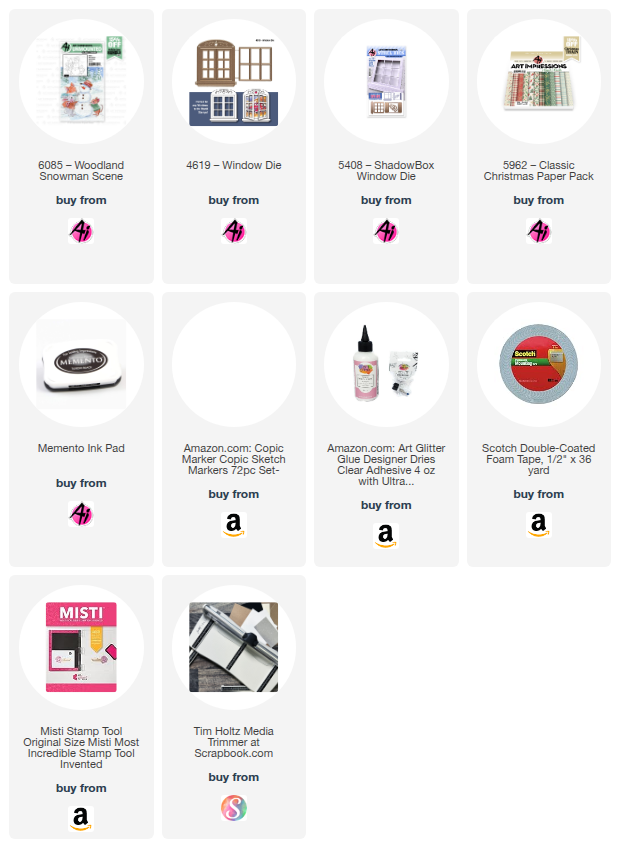
I have a cute little snowman card for you today using the #6085 - Woodland Snowman Scene stamp set.  The stamp sets in this series fit nicely within the #4619 - Window die.  A great way to highlight the scene and add a touch of interactive to your card.


I began by stamping the scene onto copic friendly paper with Memento black and coloring with my copic markers listed below.   I cut the window die from red cardstock using the #4619 - Window die.  I cut the front panel and card base using the #5408 - Shadow box window to position the scene behind the window.  I created the sentiment using my computer and die cut with a tag die from my stash.  I placed a few red hearts onto the card for an extra touch of fun.

Lastly, I added a bit of wink of stella to the hillsides and the snowman.  It isn't noticeable in the above picture so I zoomed in to show below.

Thanks for joining me today!  

Have a great day!  Enjoy and keep creating!

Copics used:  N0, N1, N2, N4, N6, N7
R8, R20, R22, R24
E21, E23, E93, E95, E97
BG70, BG72
B0000, YR16, YR18
YG61, YG63, YG67

Thursday, January 8, 2026

Button Baby Panda card

 Happy Thursday AI Friends!

Today I have a cute little baby card for the "Button Up" challenge.  Check out the "Bi-weekly Challenge" tab on the Art Impressions blog for the simple requirements to qualify for a chance to win a free stamp set of your choice.  

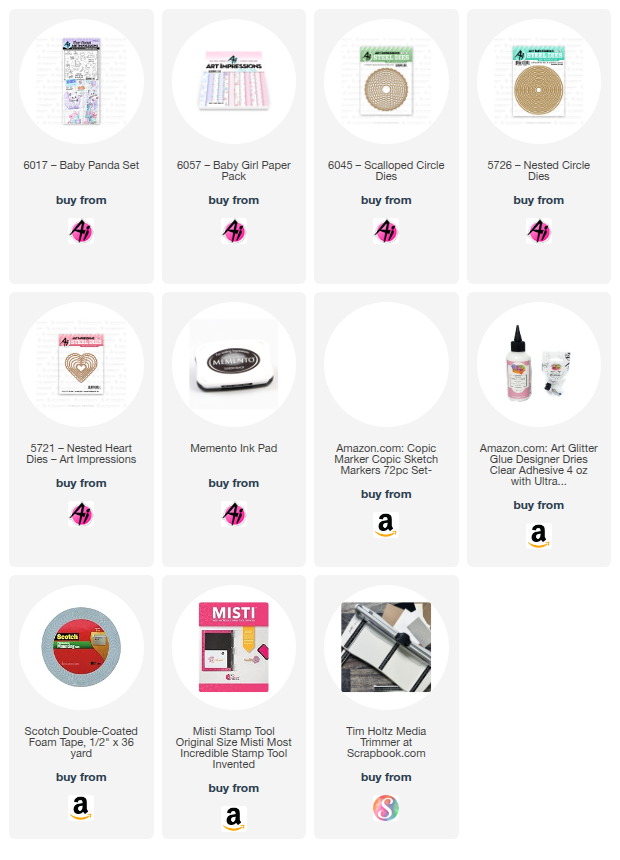
I created this fun shaped card using the 6017 - Baby Panda set with the 6057 - Baby Girl PP.

I stamped the image onto copic friendly paper with Memento black ink and colored with my copic markers listed below.  I die cut the image using the coordinating die that is included with the stamp set.  As per my usual, I die cut a second image out of basic white cardstock and adhered it to the back of the colored image to give it more strength.  I like to do this because it adds a little extra "pop up" as well.

To create the card front, I die cut a scalloped circle using the largest die from the 6045 - Scalloped Circle die set.  I then die cut two circles (one pink cardstock and one patterned paper) that fit nicely over the other giving it a slight border.   I then die cut the heart scallop from the 5721 - Nested Heart dies and a 1" piece of white cardstock with a slightly smaller strip of patterned paper to fit over the white cardstock.  I layered these all onto the white scalloped circle as shown above.

For the card base, I folded a piece of cardstock in half (approx. 4 x 4 inches) and die cut the second largest circle from the 5726 - Nested Circle die set placing the die over the fold so that approx. 1/2" of the top does not cut.  This will create the fold for the opening of the card.  Glue one side to the back of the scalloped circle card front.  Pop up the image with foam tape.  Add two small black buttons for the wheels (I threaded white string through the button holes for added detail).  Tie a three loop string and adhere to the button bow with glue dots or liquid glue and then adhere just below the sentiment.

After I put this together and took my pictures, I realized that I didn't add shading to the buggy base or canopy.  Oops!  LOL!  Simple coloring works just as well, yet we always think we need to add more.  Maybe we don't!  ๐Ÿ˜€ 

Thanks for joining me today!  Make sure to check out the current challenge and play along.  We love to see what you create!  

Have a great day and keep creating!

Copics used:  N0, N1, N3
R20, R81, R83, R85

Thursday, January 1, 2026

No. 1 Book and Gnome Bookmark

 Happy New Year AI Friends!

I hope you had a wonderful holiday and are ready for the New Year!
 Can't wait to see all the fabulous creations from Bonnie and Kim.  I have no doubt that they will have lots of fun products for us again this year!

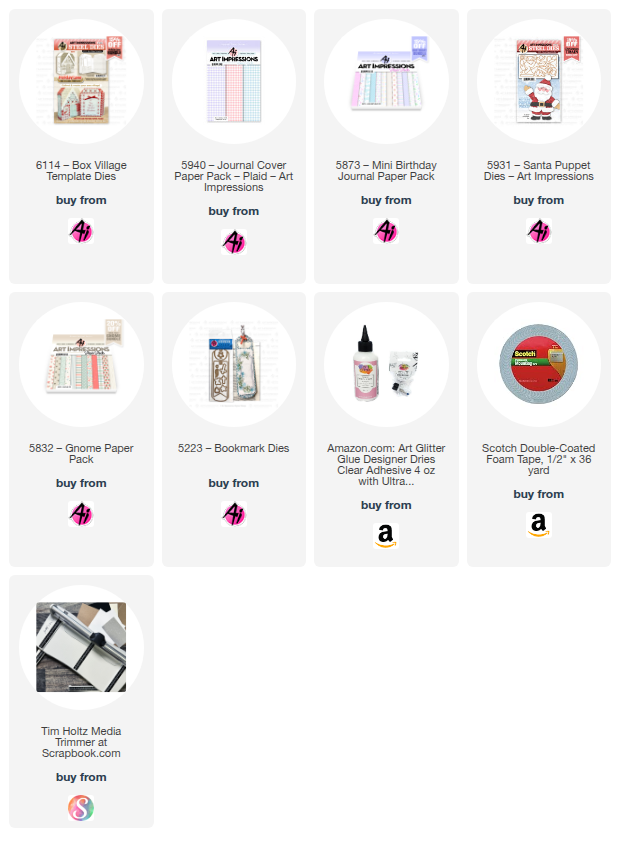
I'm starting off the New Year using #6114 - Box Village Template dies from the Holiday Lane series.  
I slightly changed the book cover to make it look like a number 1 for my granddaughter's first birthday.  Hope it's clear for you to see - made with the #5940 Journal Cover Paper Pack - Purple Plaid paper.  

I used #5873 - Mini Birthday Journal Paper pack for the inside of the book.  The inside contains pictures, pockets, notes and details from her first year and as much as I would love to show her off, my daughter asked that I didn't, so, unfortunately I don't have many pages to show.  However, my main purpose in showing this book was to emphasize how you can make slight changes to extend the die sets to fit your occasion.  Let your mind go!  Mine sometimes goes in odd directions but it's fun to see what can be created.  LOL!   


  Her birthday was S'mores themed so I created a S'mores with a square die from the #5725 Nested square dies set and the #5407 Birthday Cake GCH frosting die.  The graham cracker part was cut in rectangle shape and rounded the corners with a corner punch.  I inked the edges, stamped a cute little face on it and added a bow.  The sentiment tag is from the #6121 Storybook template.

Gnome Bookmark:  Another slight alteration of dies - here's a bookmark I made into a Gnome using the #5931 Santa Puppet die set.  The only real change that I made was that I added an additional beard layer by partial die cutting to make it slightly smaller so that it fit on top of the bottom one.  Then the nose fit nicely in between the top beard layer and the rim of his cap.  I omitted the brows, mustache and eyes.  Since he isn't a Santa, I also omitted the belt and fur parts of his outfit.  I die cut his outfit using the #5832 Gnome PP.  This paper choice made him look like he was wearing PJs so I added a cookie and coffee mug (from my stash) in his hands.  I placed him onto a bookmark made with the #5223 - Bookmark die.  He actually resembled me after Christmas.  I was a complete couch potato with my PJs on and my coffee mug in hand.  Life is good! 


Welcome to 2026 and another fun year with Art Impressions. 

Thanks for joining me today!  
Have a great day and keep creating!