Showing posts with label Scene. Show all posts

Friday, March 13, 2026

Easter Pop Up card

 Hello AI Friends!

I'm soooo excited!  I drew the lucky straw when I was picked to be the feature for this challenge.  I love making interactive/fun fold cards so when they said "3D", I said "Oh Yeah".  I decided to make an Easter Pop-up card.  What I love about this type of card, is you get to add soooo many images all on one card.   I used the #6008 - Bunny Hugs and the #5870 - Peeking Bunny sets.  So many of Art Impressions stamp sets go together so it's great to mix and match.  Makes for endless design possibilities!
Here is my finished card but follow below for more pics and instructions on how I created it.


I began by stamping several images onto copic friendly paper with Memento black ink and colored with my copic markers listed below.  Once all of these images were colored, I cut each of them out with their corresponding dies that are included in the stamp sets.  
Remember decorating Easter eggs when you were little?  Trying to decide what design to paint was always problematic for me.  It seems that dilema has carried into my adult years.  😬  However, it is still just as fun but not nearly as messy.  LOL!

To create this standing pop up card, I cut four panels (staggered heights) of heavy weight green cardstock.  Each panel is 7 3/4" long.  I then scored, along the long side, at 1/2, 1, 1 1/2 and 2 from both sides.   I used a few different grassy dies from my stash and cut each panel so that you have varied heights.  I then folded and burnished each of the score lines.  I cut the grass part off on each panel to the third score line on each side.  Leave the last score section in place so, when folded, that section will wrap around the side.

This picture shows how each layer will overlap the one behind.  If any seem too high for you, trim off the bottom of that panel.  

I made four layers, but when I did a test assemble, I decided to omit the front layer and cut off the scored sections.  I adhered it directly to the second layer leaving the grassy part unglued so that I could tuck in the chicks. This is a matter of your preference.  You could include more layers or reduce, like I ended up doing.

Now we are going to wrap the sides creating a little box shape on either side of each panel.  
Turn the panel upside down and fold two of the score sections upwards.  Place glue on the end section (see below - Pic 1) and fold over to meet the last score line (Pic 2) creating the box shape (see Pic 3).

                                         Pic 1                                        Pic 2
   Pic 3

Do that last step for each of the green panels.  They should look like this when standing together.


I added a few extra grassy panels so I could tuck eggs and such into them like a pocket.   
 If you choose to do like I did, die cut a few grassy flat panels that are 3 3/4" wide.  These should fit perfectly on the front of any of these sections.  I adhered one of the extra grassy pieces to the second panel.  Glue that piece directly to the panel, but leave the grassy tips unglued so you have room to tuck. 

  Now, adhere each layer together by placing glue to the back of the box shape only and make sure to line up the sides nicely with the next panel. 

  For the very back panel, I cut a piece of 3 3/4" x 5 of white heavy cardstock and adhered a piece of 3 x 3 3/4" of the cloud pattern paper from the #5873 - Mini Birthday PP to the top.  I then cut a piece of heavy green cardstock with the grassy die and adhered to the back panel leaving the top grassy tips unglued, again for tucking.  I also added one of the extra grassy pieces to this layer.  


Now, for the really fun part - decorating!  Place your images on/in the layers, tucking as you choose.  Make sure to glue them down unless you want the recipient to be able to rearrange the eggs.  


This card will lay flat and fit an A2 size envelope.  Also, the back has plenty of room for your sentiment.  

Thanks for joining me today!  I hope you will enter your "3D" creation in this challenge for a chance to win a free stamp set of your choice.  We love seeing your creations!

Have a wonderful day and keep creating!
Copics used:  E50, E51, E53, E55, E95
N0, N1     R11, R20, R81, R83
Y00, Y23      YR20, YR12, YR31
RV42      G40, G43
V12, V15    B0000, B00, B12, B14

Thursday, March 12, 2026

Pickleball Wobble

 Happy Thursday AI Friends!

The Art Impressions people stamps are a huge hit with me!  Bonnie does such a fantastic job with the characters and their facial expressions.  When she created this last set of AI People, I was in love and then she added papers to fit each.  What a wonderful way to create a card in a hurry!  Plus I added a wobble behind her and now she plays with a wiggle.  LOL!


My card today uses #6074 - Pickleball Patty and #6097 - Pickleball PP.
I started by stamping the image onto copic friendly paper with memento black ink and colored with my copic markers listed below.  I cut the image out using the corresponding die included with the stamp set.  I also cut a second one with blank cardstock and glued to the back of the colored image.  I then added an action wobble to her back and adhered to the pattern paper.  She actually wobbles when she plays now.  
 Lastly, I added the sentiment, a bow and a pickleball pin.

Thanks for joining me today!  Hope you have a wonderful day!
Keep creating!

Copics used:  E00, E01, E11, E21, E23
T0, T2, T4, T6
R20, R22, R24
Y000, Y13, Y15
YG41, YG45

Thursday, January 15, 2026

Wanna Build a Snowman

 Happy Thursday AI Friends!

I have a cute little snowman card for you today using the #6085 - Woodland Snowman Scene stamp set.  The stamp sets in this series fit nicely within the #4619 - Window die.  A great way to highlight the scene and add a touch of interactive to your card.


I began by stamping the scene onto copic friendly paper with Memento black and coloring with my copic markers listed below.   I cut the window die from red cardstock using the #4619 - Window die.  I cut the front panel and card base using the #5408 - Shadow box window to position the scene behind the window.  I created the sentiment using my computer and die cut with a tag die from my stash.  I placed a few red hearts onto the card for an extra touch of fun.

Lastly, I added a bit of wink of stella to the hillsides and the snowman.  It isn't noticeable in the above picture so I zoomed in to show below.

Thanks for joining me today!  

Have a great day!  Enjoy and keep creating!

Copics used:  N0, N1, N2, N4, N6, N7
R8, R20, R22, R24
E21, E23, E93, E95, E97
BG70, BG72
B0000, YR16, YR18
YG61, YG63, YG67

Thursday, October 9, 2025

Playing in the Dirt

 Happy Thursday AI Friends!

Summer came and went soooo fast but I still want to play in the dirt.  We are definitely headed into fall here but some of you may still have some great summer weather left so hopefully you feel inspired to go play for those of us that can't.  πŸ˜€

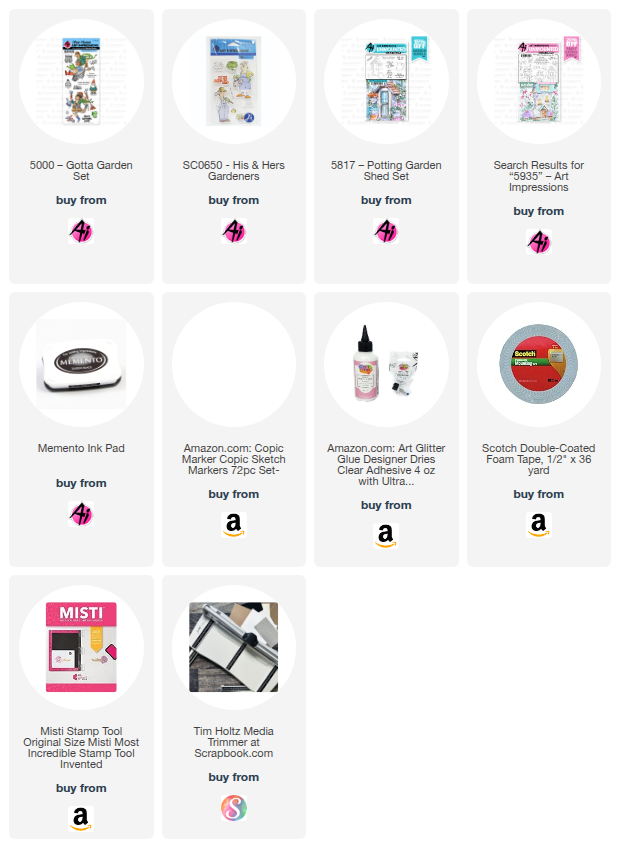
I combined #5000 - Gotta Garden set and #5817 - Potting Garden Shed to create this interactive card.  This is a larger than normal card but it's a fun size - 8 1/5 x 5.

I started out by stamping the images onto copic friendly paper with Memento black ink and colored with copic markers listed below.  I fussy cut the images.  The garden shed is a watercolor stamp set and has a few garden pots at the base, so I just fussy cut them off and popped up the boots and garden hose over the cut area.  I also cut an opening in the door and placed some tools and garden gloves inside.  These accessories are from the #SC0650 - His & Hers Gardeners set.  I also colored and cut some flowers from the #5935 - Fairytale Houses set.  

I die cut a slider track into the dirt panel and placed the playful couple onto a disk that pops through both sides of the track to allow for the movement.  I then popped up the dirt panel, making sure not to place pop dots or foam tape to close to the slider track.  You could use a pull tab, but I chose to move the couple back and forth with my fingers.

Check out the video below to see the interactive movement.


That's it for me today.  Hope you have a wonderful day!
Keep on creating!!
Copics used:  E000, E00, E11
N0, N1, N2, N3, N4
B91, B93, B95
Y11, Y13, Y15, Y17
YR12, YR14, YR16, YR18
G40, G43, G46

Thursday, August 14, 2025

Vacation Vibes

Happy Thursday AI Friends!

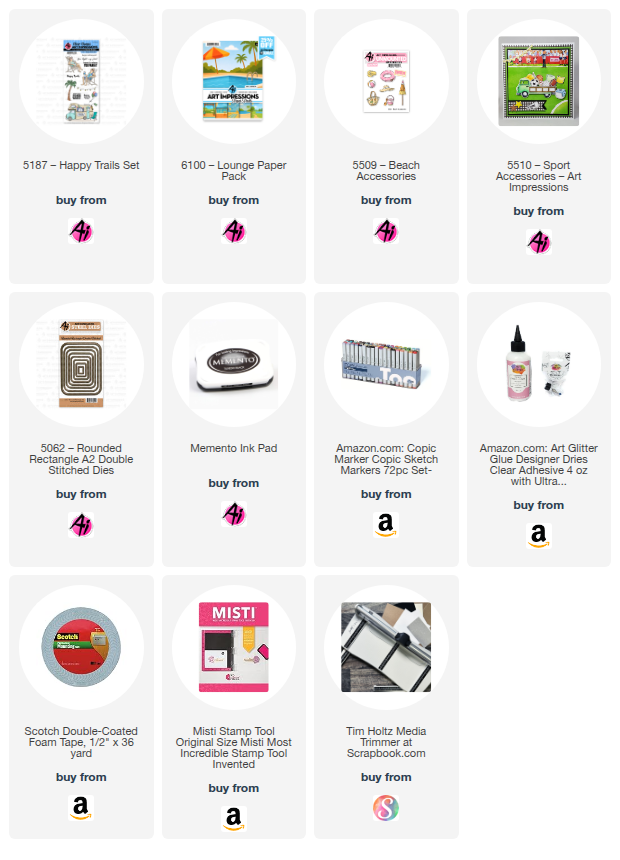
Wondering if you've seen the five new paper packs from Art Impressions yet.  If not, make sure to visit the Art Impressions website.  These paper packs were designed to go with the five new fun AI People stamps sets.  However, I wanted to show you how versatile they are and how you can use them with some other stamp sets.  They make such fun backgrounds.  All you need to do is add some images to them and your card is complete.  I used the #6100 - Lounge PP, #5187 Happy Trails stamp set for the couple on the beach, added a few accessories and the card is full of fun and relaxation.  
Total Vacation Vibes!

I began by stamping the images with Memento black ink onto copic friendly paper and coloring them with my copic markers listed below.  The couple are from the #5187 - Happy Trails set and the accessories (beach ball, hat and cooler) are from the #5509 - Beach Accessories and the #5510 - Sports Accessories.  The sun and the cloud are from my stash.


The accessories come with corresponding dies but the beach chair couple, I had to fussy cut. 
I used the largest #5062 - Rounded Rectangle A2 Double Stitch die to cut the background and then placed a layer of foam underneath to pop it up on the card base.  I also popped up the sentiment cloud, the couple and the accessories for added dimension.

Hope you look through your stamp sets and find other fun images to use with these papers.  Such a great way to add a scene as your background.

Thanks for joining me today.  Have a wonderful day and keep creating!
Copics used:  N0, N1, N2
E000, E01, E11, E21, E23 E25, E51, E53, E55, E57
R20, Y32, G40, G24
B0000, B91, B93, B95

Thursday, August 7, 2025

Gnome Frame

Happy Thursday AI Friends!

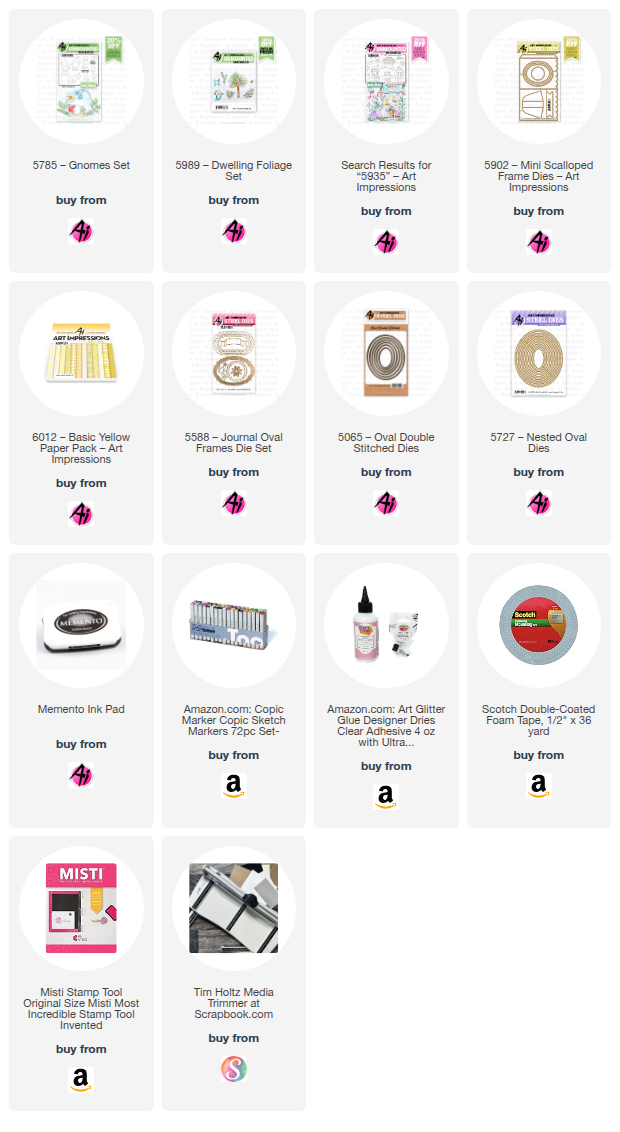
Today I have a cute little frame that fits right in with the current blog challenge called "Stitches and Scallops".  I love this little #5902 - Mini Scallop Frame set.  It makes the cutest little display card for a desk, mantel, shelf or anywhere for that matter.  This one with the gnomes brings a smile to my face.
        

I began by stamping the images onto copic friendly paper with Memento black ink and coloring with my copic markers listed below.  The gnomes (5785 - Gnomes set) and the bees (5935 - Fairytale Houses) were cut using their corresponding dies that are included in these sets.  
The scene was stamped onto a 3 x 2 1/2" piece of copic friendly paper.  The tree stump is from the 2025 freebies part 1.  If you don't have that freebie, you can use the stump from the KH5951 - Foxes set and draw in the door and window.  I colored, free hand, the walkway and the grass.  Don't look too close because they are pretty rough.  😞  The leaves were stamped with Memento black ink using the 5989 - Dwelling Foliage set and colored with my copic markers.

I die cut the frame from a piece of striped paper from the 6012 - Basic Yellow PP using the #5902 - Mini Scallop Frame die.  I also die cut the oval opening using the #5727 Nested Oval die.  I then die cut a stitched oval frame to place on the outside of the oval opening using the #5065 - Oval Double Stitch die with a slightly larger nested oval from the #5727 - Nested Oval dies.

I popped the gnomes up on foam tape and adhered one to the top of the stump and the other to the outer side of the stitched oval frame.  I adhered one bee directly to the image and the other to the outer frame.  Lastly, I cut the sentiment banner from the #5588 - Journal Oval Frame set and stamped the sentiment from the #5785 Gnomes set onto the center of the banner.  

Oops, almost forgot the easel.  Make sure to die cut one from the #5902 - Mini Scallop Frame die and adhere to the backside of the scallop frame so that it stands nicely.


That's it for me today.  Hope you play along and enter the challenge "Stitches and Scallops" to win a free stamp set of your choice.  It's easy and so fun (especially if you win). 😁

Have a great weekend and keep creating but make sure to share because we love inspiration!
Copics used:  E01, E11, E21, E23, E25
W0, W1, W3, W5
Y15, Y17
B32, B34
G40, G43

Thursday, July 10, 2025

Golden Mermaid

 Happy Thursday AI Friends!

My card today was inspired by the current blog challenge "Spritz, Splatter and Paint!"  A perfect way to showcase the new Winsor Newton Ink 14ml - Gold Paint sold now on the Art Impressions website.  Although the challenge does not stipulate that you have to use gold, you can use any spritz, splatter or any color paint.  I chose to use the new product, since it was new to me too.

This gold paint is awesome and adds such glimmer and shimmer to your project.  I played with it a little bit to see how I wanted to use it.  I loved the look with stencils and a makeup sponge, smooshed onto the paper and spritzed or splattered.  For my card, I chose to paint with it, stamp it and also used it in a mister (mix with a touch of water in a mister).  


I stamped the #5903 - Treasured Armful Mermaid images onto copic friendly paper with Memento black ink and colored with my copic markers listed below.  I then die cut each of the images using the coordinating dies that come with the stamp set.  I'm using a background that I made awhile back but thought it would be perfect for this card.   Using the backside of photo paper, I believe I used Ranger alcohol inks - Mermaid and Glacier - but any blues will work.  I also used a bubble frame die that I had in my stash.    


I painted the treasure chest with the Winsor Newton gold paint as well as the middle of the flower in her hair.  When you zoom in, you can really see the result.  I painted some gold onto the sentiment stamp and stamped it onto white cardstock.   But, I liked the use of the gold paint in a mister the best.  This produced the best shimmer and still left the color underneath showing through.  See the sand in the picture above and the mermaid tail and hair in the picture below.  One or two mists will do the trick, but it's hard to stop.  I actually sprayed too much the first time but was able to wipe some of it off.  Wait until it slightly dries first, then wipe a paper towel lightly over it.    


After all the images were colored, painted and sprayed, I assembled the card.  This little mermaid actually swings back and forth as if swimming.  
Punch a hole in the background behind where her head will be, large enough for a foam pop dot.  Glue a penny, button or paper disc to one side of the pop dot.  Place the pop dot through the hole from the backside and adhere the mermaid (approx. forehead) to the pop dot poking through.  She should rock nicely at this point.  Place a thicker layer of foam tape on the backside of the background avoiding the penny, button, or disc.  Adhere onto your card base.  Test to make sure that she moves freely.  Pop up the frame so it is slightly higher than the inner square.  This will help stop her movement so she doesn't flip all the way around.

I hope you join in our blog challenge for a chance to win a free stamp set.  We love to see what you create!
Have a wonderful day and keep crafting!

Copics used:  E000, E01, E11, R20
E30, E31, E33, E35, E37, YR31
RV63, RV66; V05
YG09, BG05

Thursday, July 3, 2025

Hello 4th

 Happy Independence Day AI Friends!

WOW!  Have you seen the newest release of papers at Art Impressions?  Holy cow!  I couldn't stand it, I had to put a card together using the new #6090 - Patriotic paper pack.  Although a lot of the papers are 4th of July themed, there are many that can be used for any occasion.  The patterns are incredible and the colors are vibrant and fantastic.  Make sure to check them out!  I can't wait to design with the rest of the pack!!!

I started out by stamping the images from the #5452 - Swing Window set onto copic friendly paper and coloring them with my copic markers, listed below.  The little puppy has a coordinating die that comes with the set so you can pop him up, if you choose.  


I used the #5408 - Shadowbox Window Die to display the image and then I created an interactive venetian blind which was inspired by a Technique Tuesday die tutorial that I found on YouTube.

To create without the die:  Cut a piece of pattern paper 2 3/4" by 4 7/8".  Score every 3/4" along the longest side.  Before folding, punch a small hole, approx. 1/8" in, between each score line on both sides for the strings.  Try to center punch each of the holes, but it does not have to be perfect.  Fold each of the score lines into peaks and valleys.  The valley end should be at the top, this is the side that adheres to the base.  Thread a string up both sides leaving the loose ends at the top.  Thread a bead or knot the loose ends for the string pulls.  Adhere the valley side of the blinds down to the base by placing glue between the string holes.  Make sure to place glue only between the holes or the mechanism won't work. 
 
Valance:  Cut the valance out of another piece of pattern paper and partial die cut with the #6047 - Scalloped Square third largest die (should measure 3 1/4" wide by 3/4" tall).  Make a slight snip on either side at the bottom scallop to hold the string when pulled up.  Pop the valance up with foam tape and adhere just above the top of the blinds.
The bow and the flag heart are fussy cut from the pattern papers of the same paper pack.  Makes great accents!  The Hello die cut is part of the Shadowbox Window die set.

Thanks for joining me today.  Hope you have a wonderful and safe 4th of July weekend.
Keep creating!!

Copics used:  E000, E01, E11, E21, E23, E25, E50, E51, E53, E55
Y13, R20, R22, R24, R27
G20, G21, G24, G28
B0000, B000, B00, B32, B37

Thursday, February 27, 2025

Easter Fun Fold

 Happy Thursday AI Friends!

Today I have a couple Fun Fold Easter cards using the #5274 Easter Bunnies, the #5870 Peeking Bunny, and the #5504 Happy Spring sets.  These Easter sets have the cutest little bunnies.  OMGosh sooooo cute!!  Add these images to this fun fold style card and you'll find yourself addicted.  I could have created all night.  I will definitely be making more.

To create these fun folds, I choose the largest circle from the #5064 Double Stitch circle die set for the card on the left and the 4th largest #5062 Rounded Rectangle A2 Double Stitch die for the smaller card.  The following instructions will be for the circle card.  The rectangle card is basically made the same just a different size and shape.  
I cut four circles from white lightweight (80 lb. or less) cardstock and scored each in half.  I then formed the fun fold by overlapping the circles as shown below (the right half over the previous circle right half).  Continue overlapping the circles until all are together.  Make sure to gather them together and square them up tightly.  Place a dab of glue on the back side where they overlap.  Then flip to the front side and dab glue under these overlaps.  Now your fun fold is formed.   


Cut four circles from pattern paper.  I cut two with the largest circle and two with the next size circle.      Cut each of these four circles in half and cut just a tad off the straight side of the larger circles.  The smaller circles are for the front and will recreate a 2-layer look (see below).  Glue the smaller circles to the front (or top) folds, centering up to leave a nice white border.  Glue the larger circles to the inside folds, leaving no border.  
I stamped my one-layer scene onto copic friendly paper with Memento black ink and colored with my copic markers listed below.  I then cut the scene to fit inside the fun fold card (3 1/2 x 3 1/2 inches). Adhere this image to the inside of the card.  Place a ribbon or belly band around the back side and adhere down to the back.  Wrap around and tie or clasp into place.  I added a basket with the bunny bottom for decoration.  Lastly, I glued a 3 1/2 x 3 1/2 top fold card to the back for your sentiment and also to finish off the back side of the card so that the ribbon or belly band will be covered.  This also adds as a nice stand to display your card.

Hope you enjoyed my cards today and I especially hope you'll give this one a try.  Trust me, you will want to create more with different shapes and sizes.  It's addictive! 

Happy creating!!

Copics used:  N0, N1, E21, E23, R20
YR01, YR02, Y13, Y15, Y17
V12, V15, G40, G43, G46
B000, B00, B12, B14
R81, R83, E51, E53, E55

Thursday, October 8, 2020

Scenic Route

 Today's post is a card I made for my daughter using Art Impressions stamp sets Enjoy the Ride and Cottage and Die set (unfortunately, this last one is retired).  She just bought a house and we joke with her that we are going to ride our bikes over to visit (often πŸ˜‚).  I always wanted a tandem bike, but my husband thought I wouldn't peddle, so this image is absolutely perfect.  😁


The Art Impressions challenge this week is "Scenic Route".  I made this a fold-out card so that you could see the whole scene when opened up.  I based the card around the bike image, which I colored with copic markers, and thought it would make for a great "scene" card for the challenge.  I paper pieced the cottage which was very simple to do since Art Impressions makes their images so easy to fussy cut.  I added a few trees, clouds, grass and road to carry out the scene.

Hope you like my card and it inspires you to have fun with your stamps and dies.  

Have a great day!