Showing posts with label Frog. Show all posts

Thursday, January 29, 2026

Hello Sunshine

 Happy Thursday AI Friends!

Have you seen the newest AI release?  This one is fantastic!  I know, I probably say that about every one of them, but let's be real - they ALL are fantastic!  This is definitely a fave of mine!

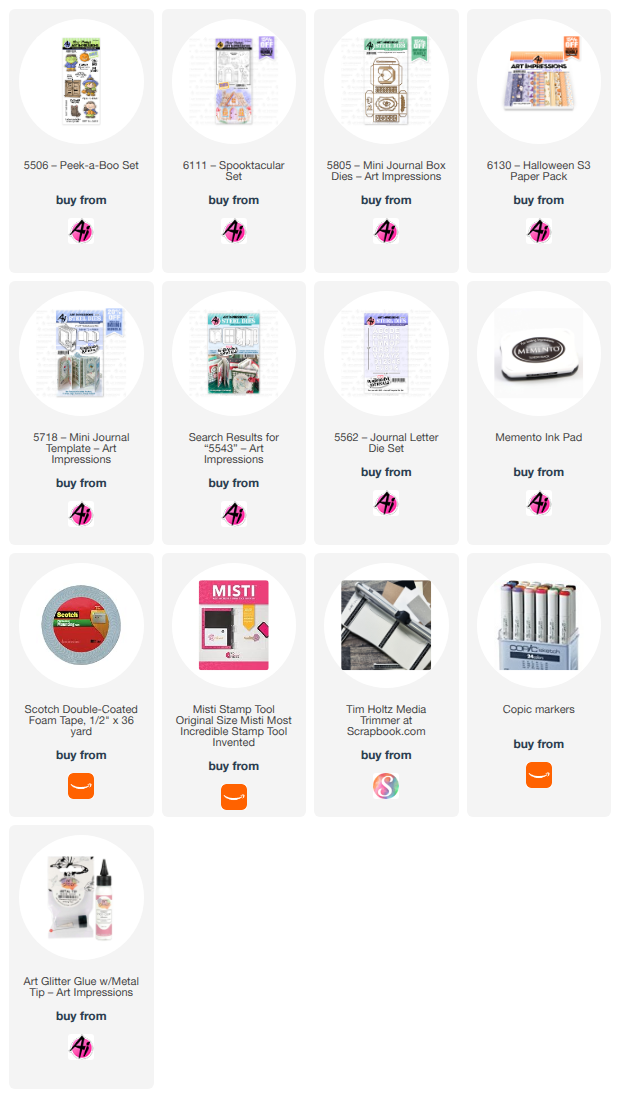
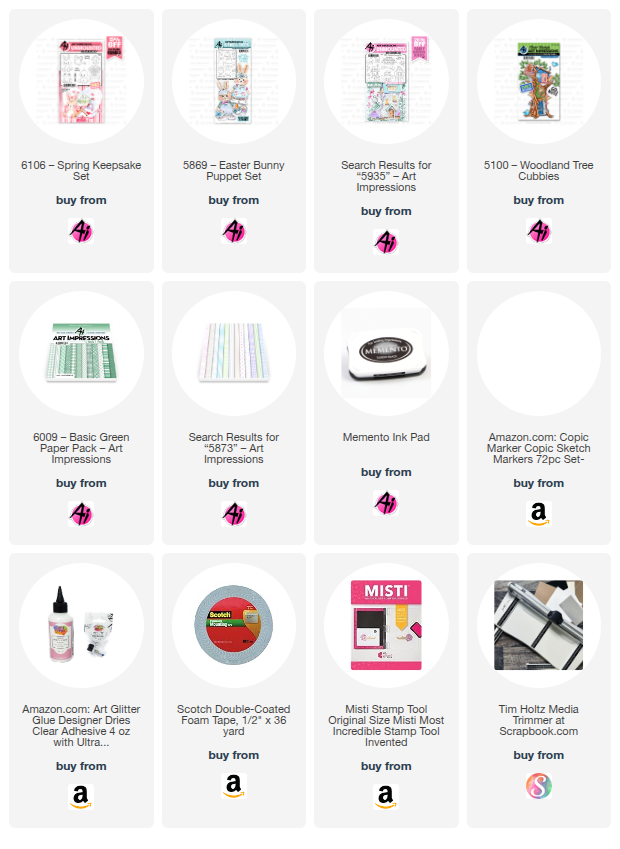
Two new stamp sets were released - #6103 - Baby Keepsake and #6106 - Spring Keepsake, which is the one I used for my pop out card.


I stamped the images onto copic friendly paper with Memento black ink and colored with my copic markers listed below.  I cut each of them out with the corresponding dies that are included in the set.  Love it when dies are included, don't you?  Adds so much dimension!  Check out this cute little frog!  He is definitely my favorite, however, the bunny and duck are just as adorable.  

I created a pop out card so that I could layer each of these cute little images.  I added a few images from other sets, like the flowers in the water can (#5935 Fairytale Houses), the Easter basket (#5869 - Easter Bunny Puppet) and the bird (#5100 - Woodland Tree cubbies).  The sun was from my stash.

I used the #6009 - Basic Green PP for the grass and the #5873 - Mini Birthday PP for the cloud background.

That's it for me today!  Make sure to check out the new release!   It includes some beautiful valentine papers and a new scalloped rectangle die set.  Great bundle!

Hope you have a wonderful day!  Keep creating!

Copics used:  N0, N1, N2, B000
G20, G21, G24      V12, V15
R02, R05, R08, R20
B12, B14           YR12, YR16
Y11, Y13, Y17, Y19, Y32, Y35, Y38

Thursday, October 10, 2024

Frog Slider Card

 Happy Thursday AI Friends!

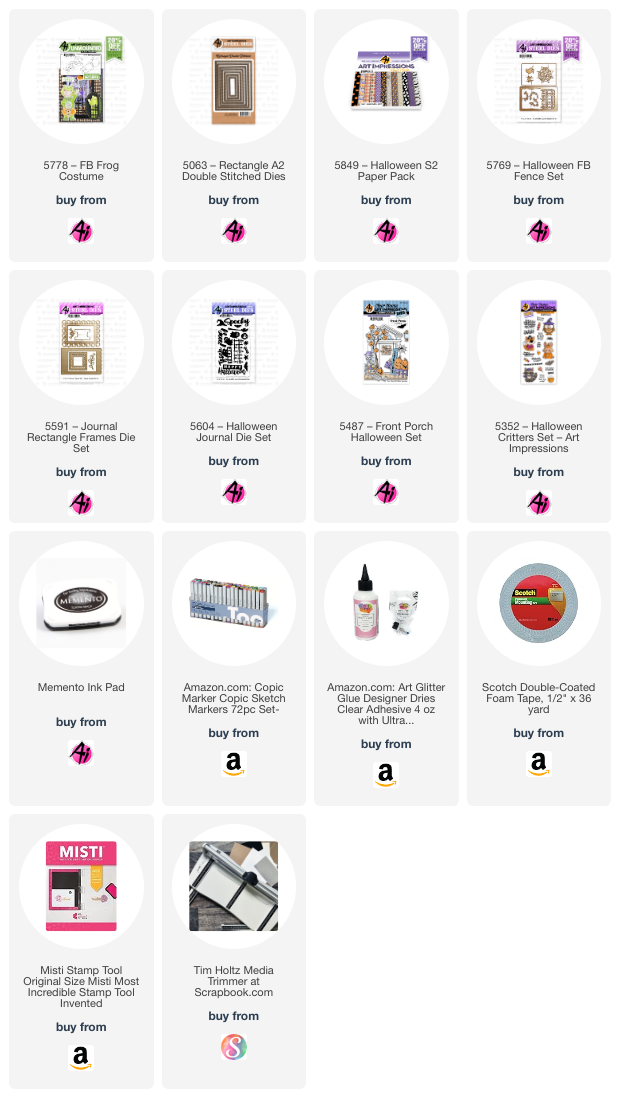
Today I have a fun Halloween interactive card for you.  I love frogs and so when I saw this Front & Back stamp set - #5778 Frog Costume, I knew I had to have him.  Soooooo cute!!  This card is really very easy to put together and no special dies are needed.   


I first stamped my images with Mememto black ink onto copic friendly paper and then I colored with my copic markers listed below.  I die cut each with the corresponding dies.

To create the interactive card:  Start with a base panel (I used black cardstock) cut 4 1/4" by 5 1/2".  Place a pull tab to the right side before layering a patterned piece on top of the base.  Die cut a rectangle or square out of this panel, wherever you'd like your slider to be (center, closer to top, etc.)  Your base panel is ready.  
Now for the mechanism slider piece:  Die cut a piece of cardstock (again, I used black) with the larger corresponding die (best to use two sizes up).  If you don't have a corresponding larger die, you can use your cutter, just add 1/2" more to the sides (for example, panel cut is 2 1/2" x 2 3/4", then cut a 3" x 3 1/4").  Score this piece at 1/2" (down long end) and fold towards you (see Pic 1).  Now take your original die (the one used for the base panel) and place it along the non-folded edge leaving a 1/4" frame on top and bottom (see Pic 1).  Tape down and mark the mid point on top and bottom.  You need to do partial cutting to just past that point.  After cutting, you should have a folded edge on the right and two tabs (one on top and one on bottom on opposite side (see Pic 2).  Line up this panel piece to the left, under the opening on your base panel, so that 1/2 of this panel will fit through the opening (see Pic 3).  Hold onto the right side and test to make sure the piece comes through the window.  Place glue onto the B tabs and adhere to the back of the base panel.  Place glue to the backside of the A tab and glue to your A2 base card.  ONLY adhere this tab to your card base.  At this point, you should be able to pull on the pull tab and your slider should work.  You may need to pull the slider and enforce the A fold to make it move more freely.

Pic 1                                                Pic 2                                                                       Pic 3


I hope you try out this fun card for yourself.  Once you make one, you'll want to make many more.  You can rotate the opening to be on the top or the left as well, just rotate you mechanism piece.

Have a wonderful day!
Keep crafting!


Copics used:  E000, E00, E01, E11, E21, E23, E25
YR12, YR14, YR16
YG21, YG23, YG35
C1, R20, G24


Sunday, March 12, 2023

Green Galore

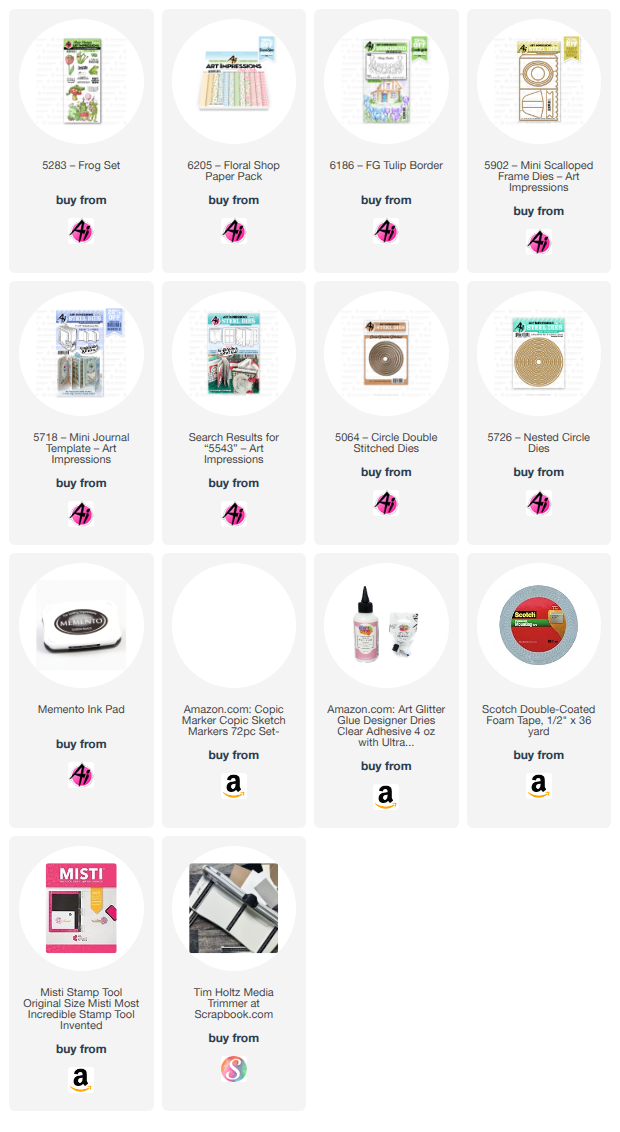
 St. Patty's Day is almost here and Art Impressions is celebrating with a "Green Galore" challenge.  Although it doesn't need to be St. Patrick theme, it is all about the green.  When I think green, I think of frogs, so I used the Frog freebie from Art Impressions.  He is just soooo darn cute!!


I stamped the cute little frog on cryogen white paper and colored him with copic markers.  I then fussy cut him out so I could pop him up and make my 3-D scene.  I used the Art Impressions stitched rectangle die for the yellow mat, then used several other die cuts from my stash.  The stitched window is from My Favorite Things and the little flowers are from a die that I bought from the Dollar Tree (I know, I can't believe it either.  I use that die ALL the time and it cuts great!)  I stamped "Hi" in the center of the sun and I'll add a sentiment of "thinking of you" or "Happy Spring" when I decide the recipient.  Topped off the card with green sequins for the finishing touch.

Hope you have a great week!